Závěrečná práce: Bc. Filip Gdovin: Graphical Representation of Data Lineage in the Data Governance Tool
Diplomová práce
Graphical Representation of Data Lineage in the Data Governance Tool
Anotace
Účelom tejto práce je poskytnúť detailný náhľad do problematiky pôvodu dát (data lineage) v kontexte kontroly dát (data governance) a analyzovať požiadavky na vizualizáciu pôvodu dát ako zo zákazníckeho, tak aj z technického smeru. Knižnice a aplikačné rámce, ktoré je možné využiť na takúto vizualizáciu, budú predstavené a zhodnotené. Praktickým výsledkom tejto práce bude implementácia nástroja, ktorý …více
Abstract
The aim of this thesis is to provide detailed insight into data lineage in the context of data governance and to analyse requirements of such data lineage visualisation from both business and technical point of view. Libraries and frameworks which could be used to represent this kind of data will be presented and their pros and cons evaluated. The practical output of the thesis will be an implementation …více
Zadání práce
30. 5. 2017 14:41, prof. RNDr. Jiří Barnat, Ph.D., učo 3496
- Zadáno/změněno 23. 6. 2017 16:55, Helena Kryštofová
- Záznam založen 5. 5. 2017 09:49, Jana Zemanová, učo 9619
- Zveřejnit od 26. 5. 2017 10:55, Helena Kryštofová
- Práce převzata 26. 5. 2017 10:55, Helena Kryštofová
 angličtina
Práce na příbuzné téma
Seznam prací, které mají shodná klíčová slova.
-
Semi-automated Creation of a Business Information Model through Reverse Engineering
Mgr. Erik Hasprunár -
Historie vizualizace dat v kontextu českých periodik
Bc. Veronika Kořínková -
Server Solution for Large-Scale Digital Pathology AI Methods
Mgr. Martin Kačenga -
Clustering of Mobile Devices Based on Their Security State
Mgr. Dáša Pawlasová -
Vizuální analýza průchodů hráčů lineárních bezpečnostních cvičení
Ing. Marek Seďa -
Immersive Reading in VR
Mgr. Nikola Kunzová -
Testování gramatiky: použití testů s výběrem z více možností versus překlady
Mgr. Lenka Žlábková, DiS. -
Motifs in State Spaces
RNDr. Jan Krčál, Ph.D., učo 139854
Složky
Soubory
-
Přidání souboru
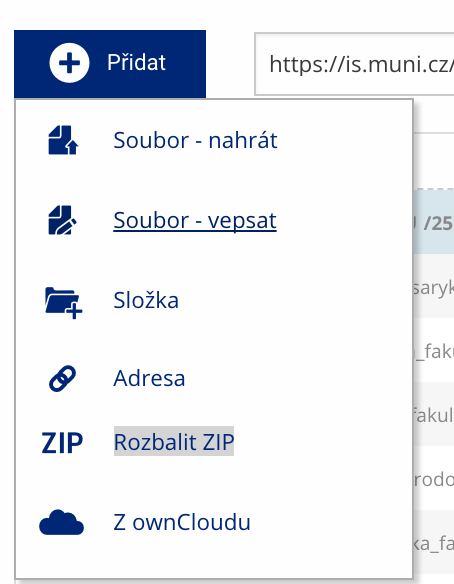 Soubor nebo složku lze nahrát pomocí tlačítka Přidat.
 -
Další operace se soubory
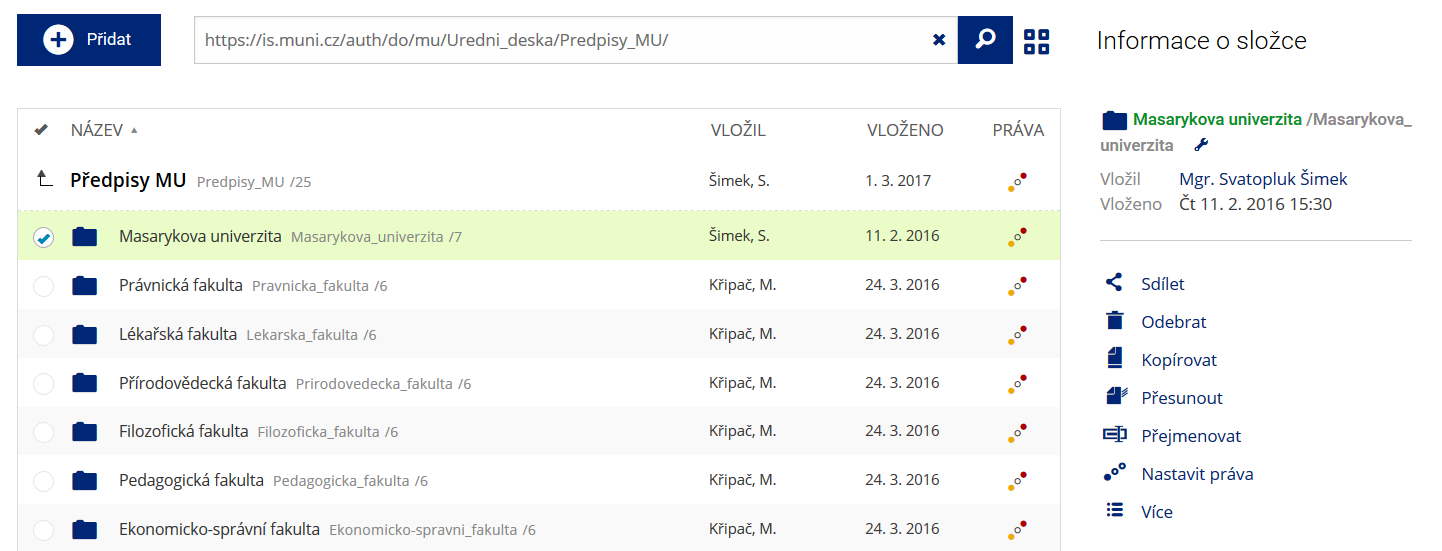 Podrobnosti lze zjistit označením příslušného řádku.
 -
Pohled pro experty
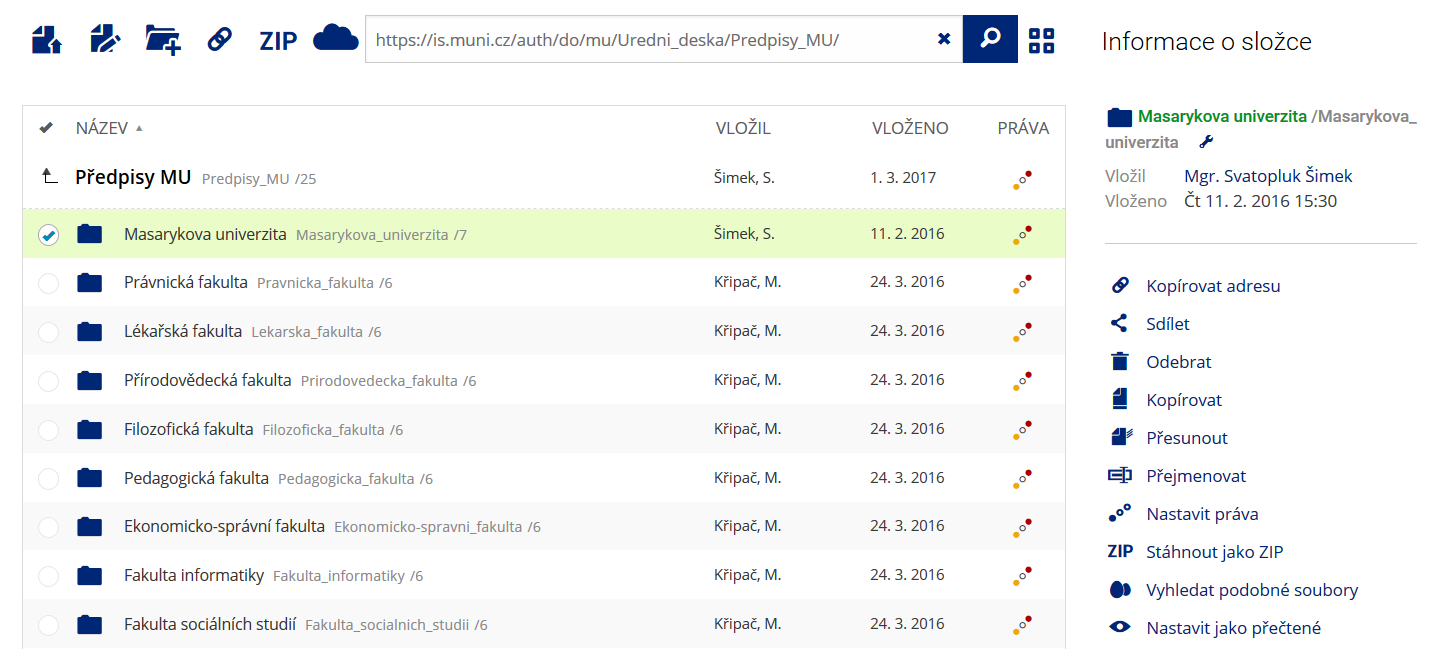 Pro častou práci je možné zvolit režim Více možností.
 -
Vyhledávání souborů
 Vyhledávaný výraz můžete zadat přímo do adresního řádku.
 -
Rychlý přístup k souborům
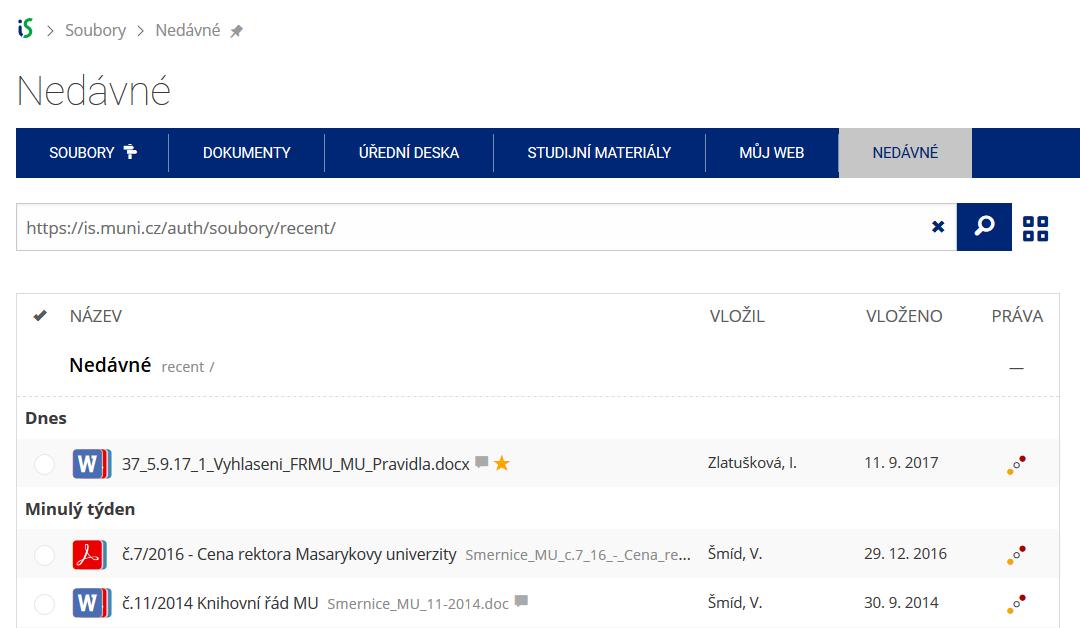 Pomocí funkce Nedávné je možné se rychle vrátit k právě prohlíženým souborům. Oblíbené soubory je také možné označit Hvězdičkou.