Závěrečná práce: Bc. Vendula Kuchyňová: Detection of Isosurfaces in Volumetric Data
Diplomová práce
Detection of Isosurfaces in Volumetric Data
Anotace
Hlavním tématem práce je detekce isopovrchů v medicínských datech. Práce popisuje medicínská data, jejich vlastnosti a způsoby pořizování. Práce také poskytuje přehled různých metod extrakce isopovrchů. V implementační části byly implementovány dva algoritmy – algoritmus Flying Edges a algoritmus Dual Contouring. Výsledkem je aplikace schopná načíst složku s medicínskými daty ve formátu DICOM, extrahovat …více
Abstract
The main topic of the thesis is the detection of isosurfaces in medical data. The thesis describes medical data, its properties and its acquisition. It provides an overview of different methods of isosurface extraction. In the implementation part, two isosurface extraction algorithms were implemented — the Flying Edges algorithm and the Dual Contouring algorithm. The outcome is an application capable …více
Zadání práce
22. 5. 2024 15:04, RNDr. Katarína Furmanová, Ph.D., učo 374538
 angličtina
Práce na příbuzné téma
Seznam prací, které mají shodná klíčová slova.
-
VRML to STL mesh format converter for Mol* VS
Bc. Marek Eibel, učo 536376 -
Refactoring Mol* Volumes & Segmentations 2.0 into a Standalone Library
Mgr. Ing. Daniel Kříž, učo 493137 -
Procedural generation of flower pigmentation patterns
Mgr. Vendula Němcová -
Grafický engine na základech OpenGL pro podporu 3D animací
Mgr. Pavel Stupka -
Sdílená pracovní plocha
Mgr. Martin Gracík, učo 143087 -
Vodoznak v PDF souborech
Bc. Lukáš Holeček -
Java API pro dotazovací rozhraní služby EGEE LB
Mgr. Tomáš Kramec, učo 207545 -
Serializace a C++
Bc. Pavel Mičan, učo 173327
Složky
Soubory
-
Přidání souboru
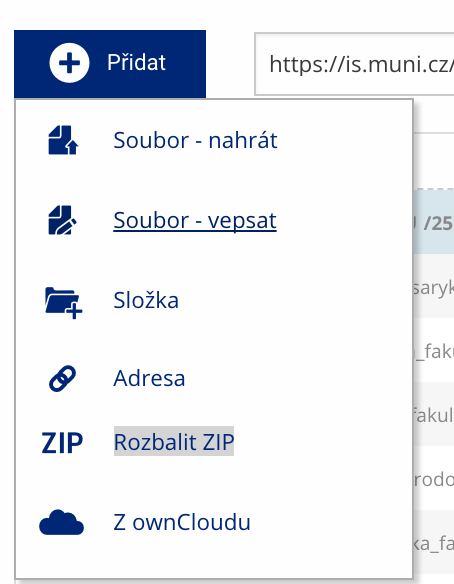 Soubor nebo složku lze nahrát pomocí tlačítka Přidat.
 -
Další operace se soubory
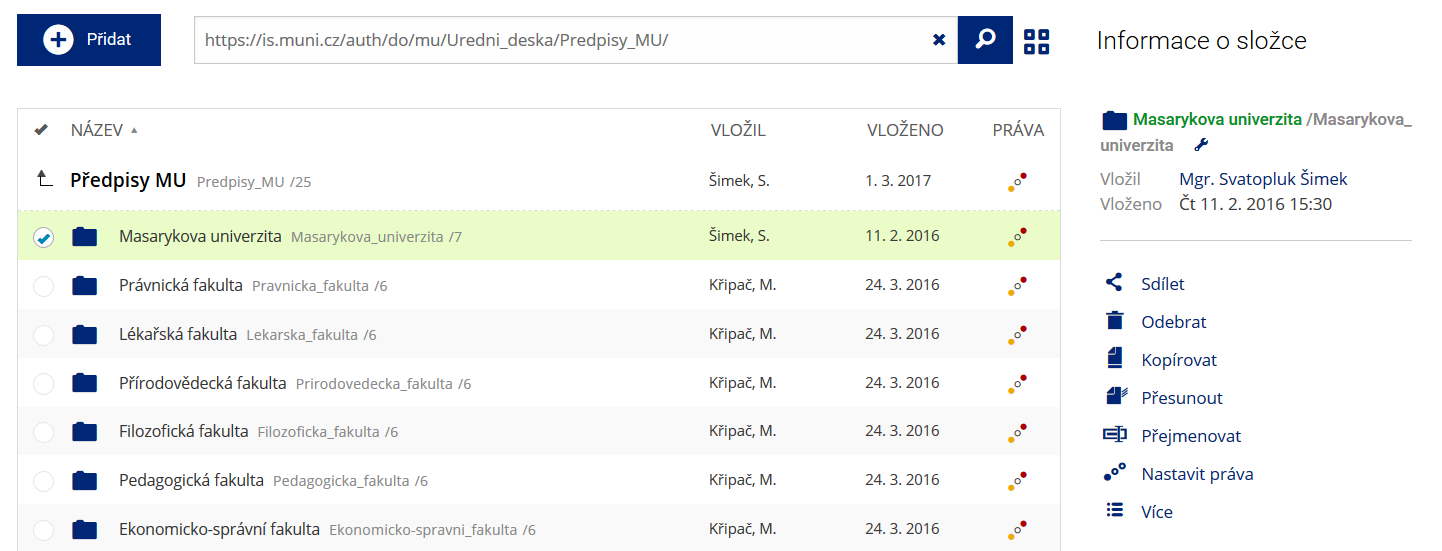 Podrobnosti lze zjistit označením příslušného řádku.
 -
Pohled pro experty
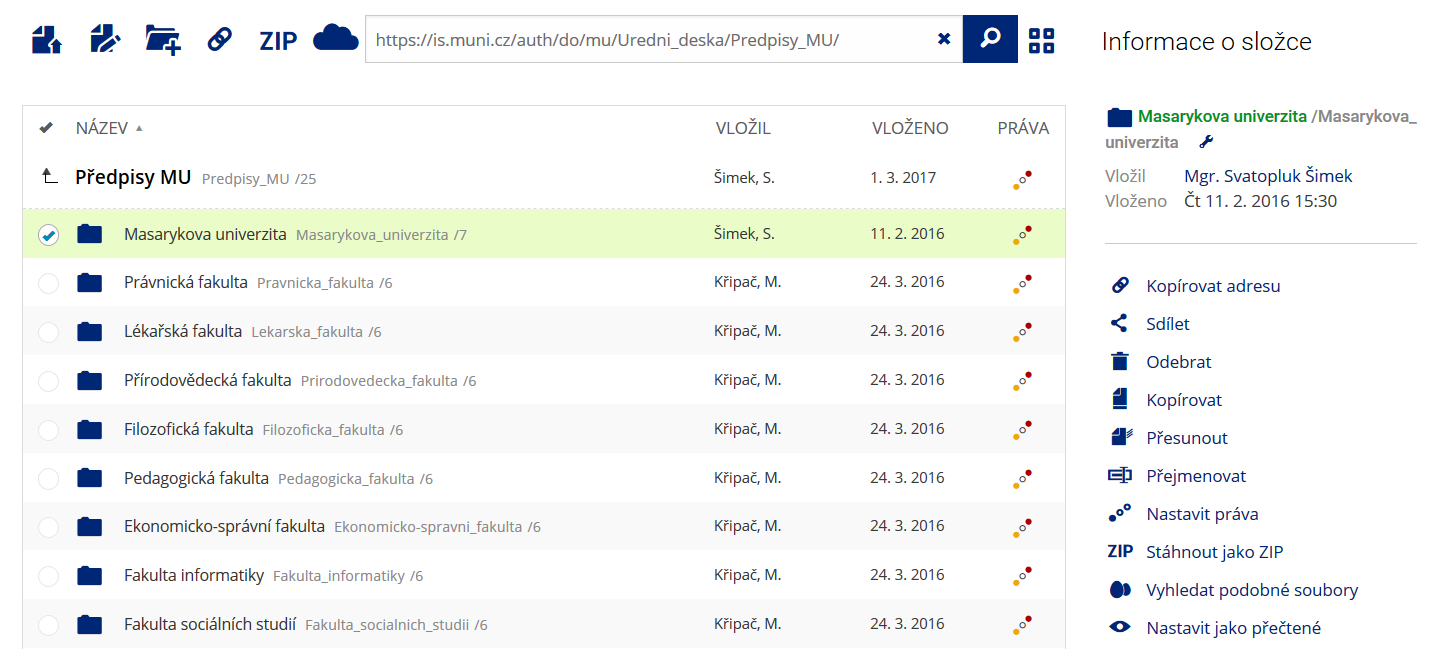 Pro častou práci je možné zvolit režim Více možností.
 -
Vyhledávání souborů
 Vyhledávaný výraz můžete zadat přímo do adresního řádku.
 -
Rychlý přístup k souborům
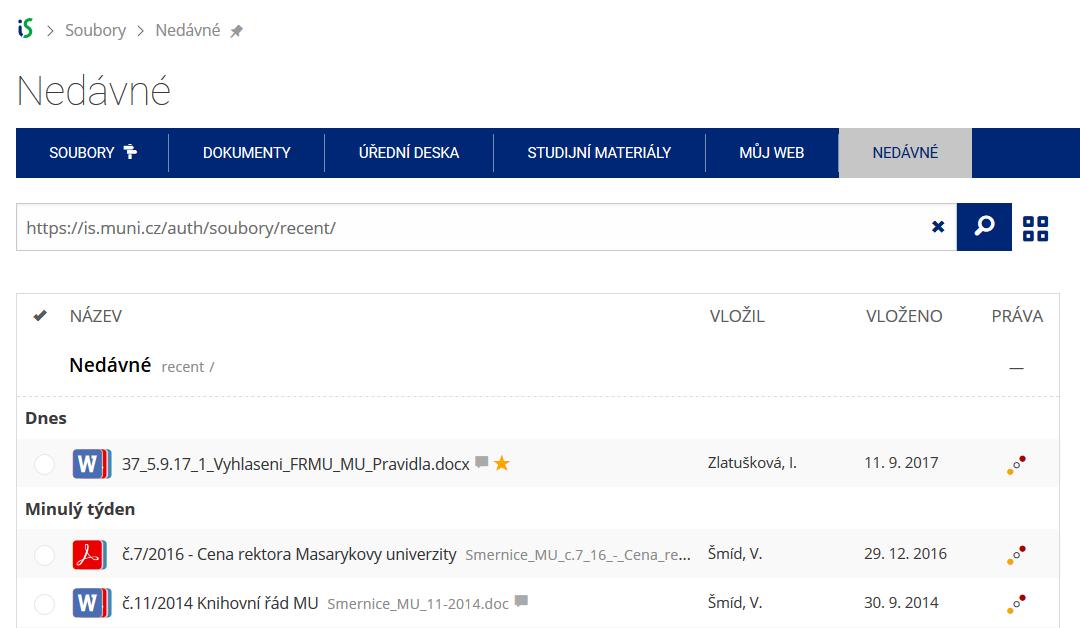 Pomocí funkce Nedávné je možné se rychle vrátit k právě prohlíženým souborům. Oblíbené soubory je také možné označit Hvězdičkou.