Závěrečná práce: Čeněk Jansa: Nástroj pro audit zabezpečení systému Microsoft Windows
Bakalářská práce
Nástroj pro audit zabezpečení systému Microsoft Windows
Security Auditing Tool for Microsoft Windows
Anotace
Cílem této práce je navrhnout a implementovat nástroj pro audit a zabezpečení systému Microsoft Windows 11, určený pro osobní použití. Aplikace využívá technologie Windows Management Instrumentation (WMI), Ip Helper a Windows Registry pro přístup k systémovým konfiguracím. Implementovaný nástroj provádí kontrolu klíčových nastavení na základě bezpečnostních doporučení a umožňuje jejich automatickou …více
Abstract
The aim of this thesis is to design and implement a security audit tool for Microsoft Windows 11, tailored for personal use. The application leverages technologies such as Windows Management Instrumentation (WMI), IP Helper, and the Windows Registry to access and analyze system configurations. The tool evaluates critical settings against established security recommendations and provides functionality …více
Zadání práce
This bachelor’s thesis focuses on designing and developing a simple, user-friendly security policy auditing tool for the Windows 11 operating system, inspired by Pareto Security (https://paretosecurity.com). The primary goal is to create a tool that enhances cybersecurity on Windows by offering selected security checks, such as firewall status, open ports, or update monitoring. The tool will be tailored to the specific needs of Windows users, ensuring both effectiveness and ease of use.
As part of the development process, the student will survey existing or similar applications and tools, examining their core features and functionality. This analysis will guide the design and development of their own solution. The tool will be released under an open-source license, and its usability will be evaluated through at least informal user testing.
23. 12. 2024 21:12, RNDr. Vít Rusňák, Ph.D., učo 172757
 čeština
Práce na příbuzné téma
Seznam prací, které mají shodná klíčová slova.
-
Clustering of Command Histories from Cybersecurity Training
Bc. Daniel Popovič -
Pattern Mining in Command Histories from Cybersecurity Training
Mgr. Kristián Tkáčik -
Úroveň maximálních výkonů horolezců v závislosti na rozdílných specifických podmínkách bezpečnosti lezení
Mgr. David Chaloupský -
Technické řešení univerzální služby připojení k Internetu
Mgr. David Kutálek -
Obecný nástroj pro tvorbu podnikových informačních systémů
Mgr. Pavel Krátký -
Postavení prezidenta ČR
Ing. Radek Mráz -
Československo-britské vztahy v letech 1925 - 1931
Mgr. Simona Foltýnová, učo 66509 -
Projekt výuky odborného výcviku a hlavních odborných předmětů zvoleného učebního oboru
Bc. Daniel Trnka
Složky
Soubory
-
Přidání souboru
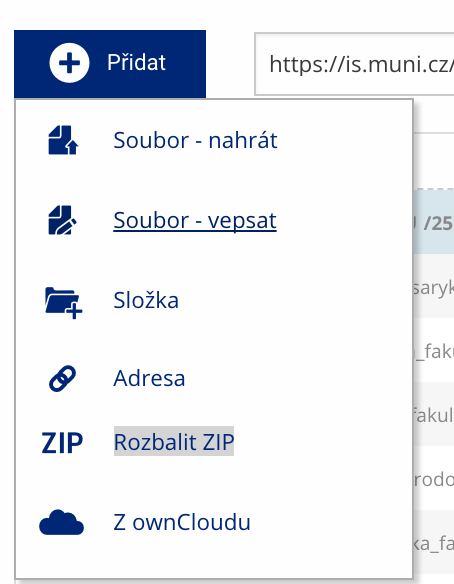 Soubor nebo složku lze nahrát pomocí tlačítka Přidat.
 -
Další operace se soubory
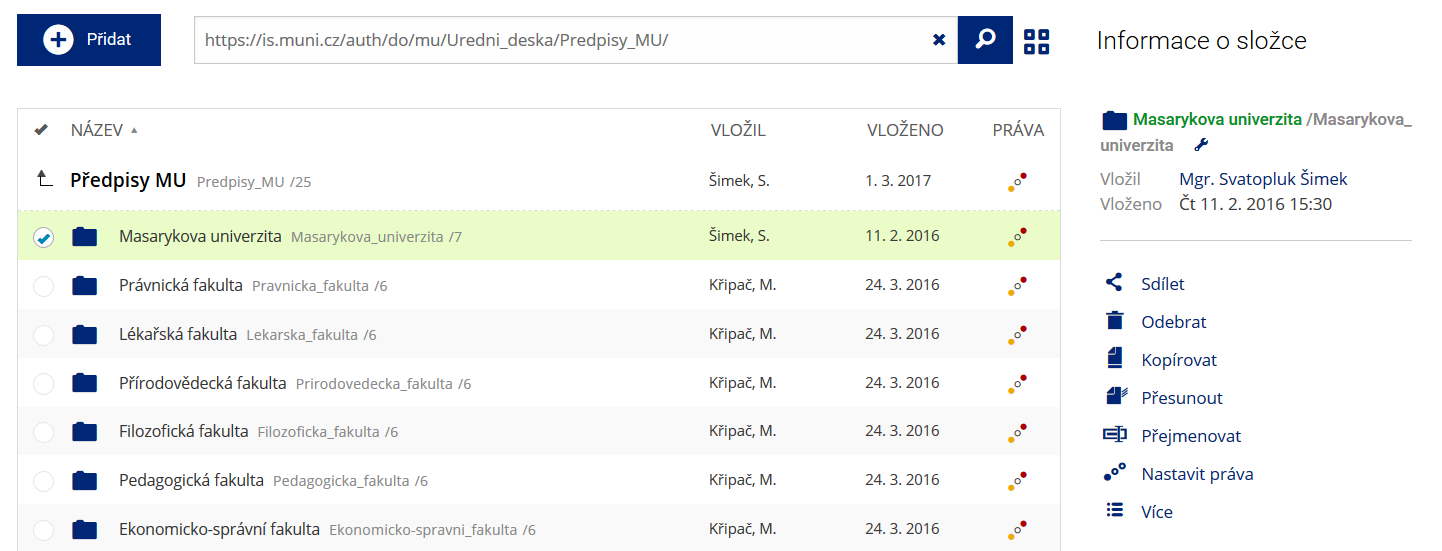 Podrobnosti lze zjistit označením příslušného řádku.
 -
Pohled pro experty
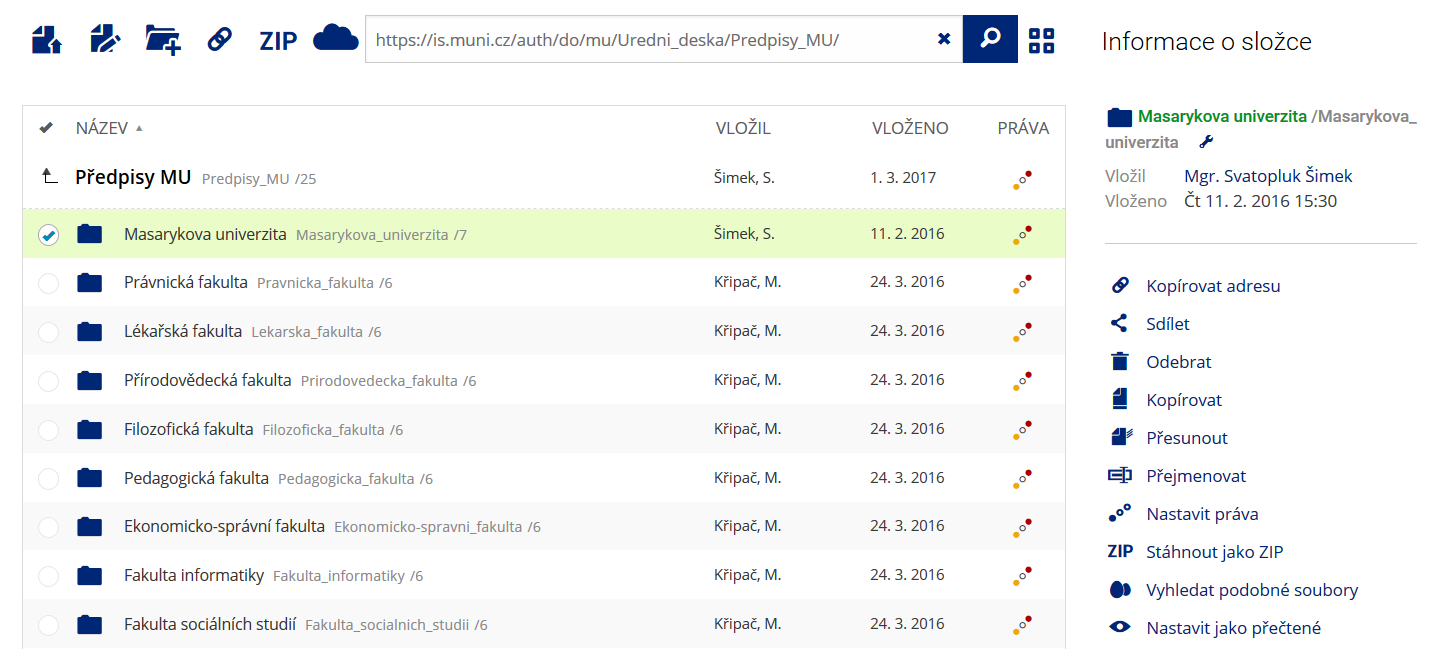 Pro častou práci je možné zvolit režim Více možností.
 -
Vyhledávání souborů
 Vyhledávaný výraz můžete zadat přímo do adresního řádku.
 -
Rychlý přístup k souborům
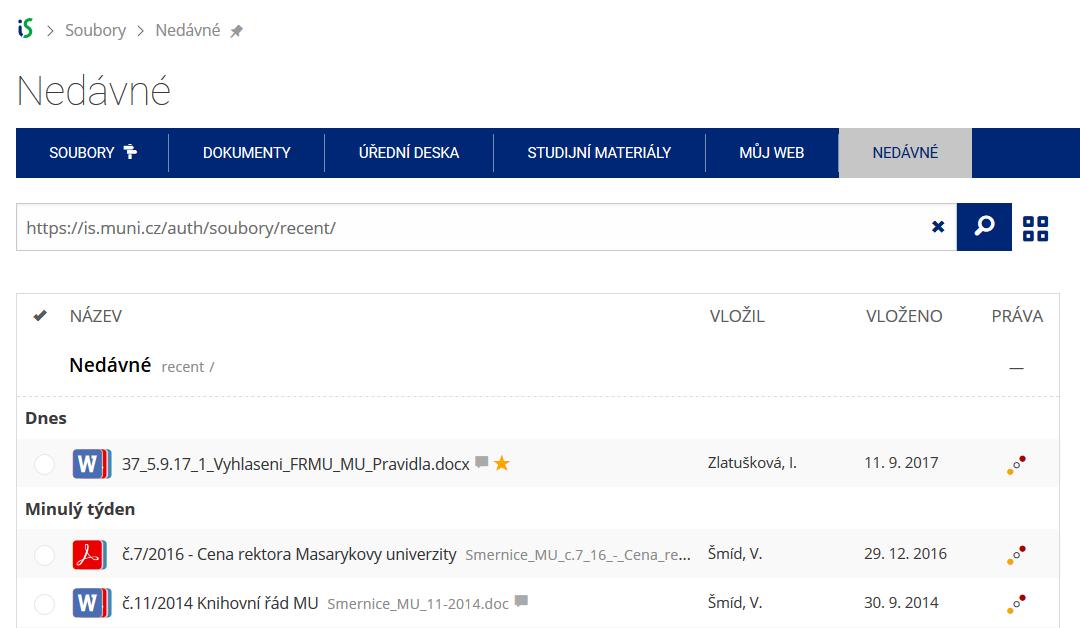 Pomocí funkce Nedávné je možné se rychle vrátit k právě prohlíženým souborům. Oblíbené soubory je také možné označit Hvězdičkou.