Závěrečná práce: Miloslav Žežulka: Graphical Debugger of GPIO Pins
Bakalářská práce
Graphical Debugger of GPIO Pins
Anotace
Hlavním cílem práce je implementace grafického debuggeru pro jednodesková zařízení za použití knihovny Bulldog. První část práce detailně popisuje jednotlivá rozhraní typicky přítomná na jednodeskových zařízeních s důrazem na Raspberry Pi. Hlavní část práce se věnuje samotnému debuggeru, kde je jeho funkcionalita znázorněna i graficky. Výsledkem je grafický debugger, který je schopný komunikovat se …více
Abstract
The main aim of this thesis is to implement a graphical debugger for single-board computers (SBC) using a library called Bulldog. The first section of this work describes hardware interfaces typically present on SBCs with the emphasis on Raspberry Pi. The main part of the thesis is dedicated to the debugger itself, including a graphical demonstration of its functionality. The result is a graphical …více
Zadání práce
- Investigate ARM-based single-board computers (ASBC), especially Raspberry Pi.
- Investigate and learn about Bulldog library and improve it if necessary.
- Design and develop an application which can analyse activity on GPIO pins of ASBCs and control it so that it can be used as a graphical debugger of GPIO activity. The debugger needs to be able to:
- read and write digital values (0,1) on the pins,
- send and receive messages through I2C bus,
- send and receive messages through SPI bus,
- listen and record interrupts.
- Develop a desktop application (e.g. Java Swing) that will graphically display activity on device gpio pins and be able to control the GPIO interfaces.
- Support Raspberry Pi and optionally CubieBoard or BeagleBoneBlack (with Debian based OS).
- The project will be open-sourced.
18. 5. 2018 08:53, Mgr. Marek Grác, Ph.D., učo 50728
 angličtina
Konzultant
Práce na příbuzné téma
Seznam prací, které mají shodná klíčová slova.
-
Grafické rozhraní pro UltraGrid
Mgr. Vít Hampl -
Bezdrátový ovladač bezpečnostních uzávěrů
Mgr. Marek Bőhm -
Řídicí systém autonomního mobilního prostředku
Mgr. Tomáš Kotula, učo 256287 -
Vykreslování molekulárních dat ve vysoké kvalitě
Mgr. Dušan Lipták -
Funkční model váhy pro měření kalorického příjmu
Bc. Andrea Smejkalová -
QNX gpio ovladač na platformě NXP i.MX
Ing. Jan Řezníček -
Digitální zpracování rychlých analogových signálů
Mgr. Aleš Nevřela -
Simulace chování NMR v cloudu
Mgr. Hanna Shyshkina
Složky
Soubory
-
Přidání souboru
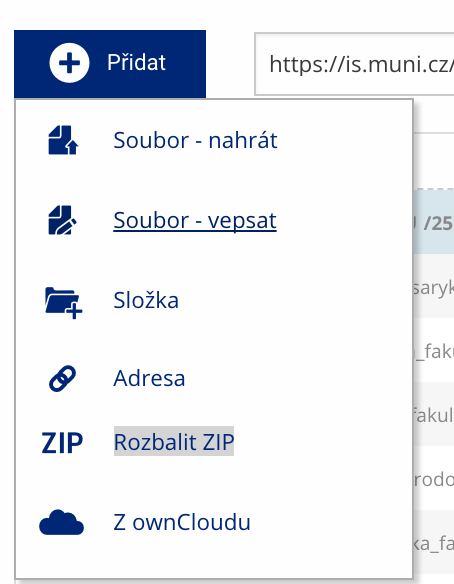 Soubor nebo složku lze nahrát pomocí tlačítka Přidat.
 -
Další operace se soubory
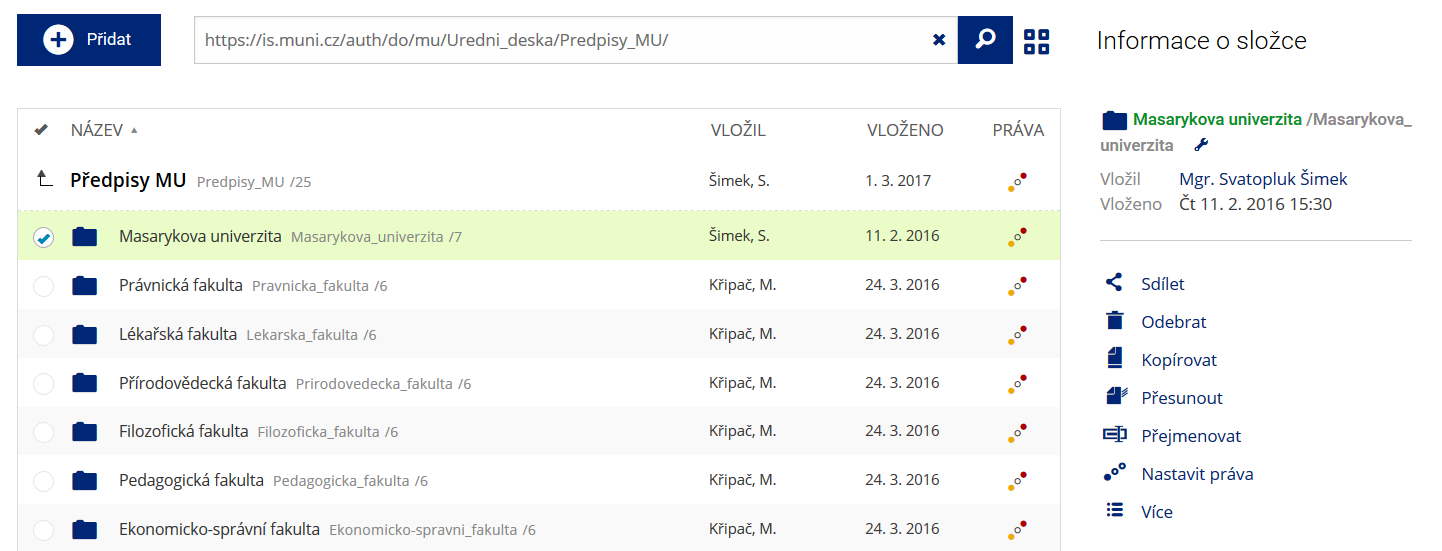 Podrobnosti lze zjistit označením příslušného řádku.
 -
Pohled pro experty
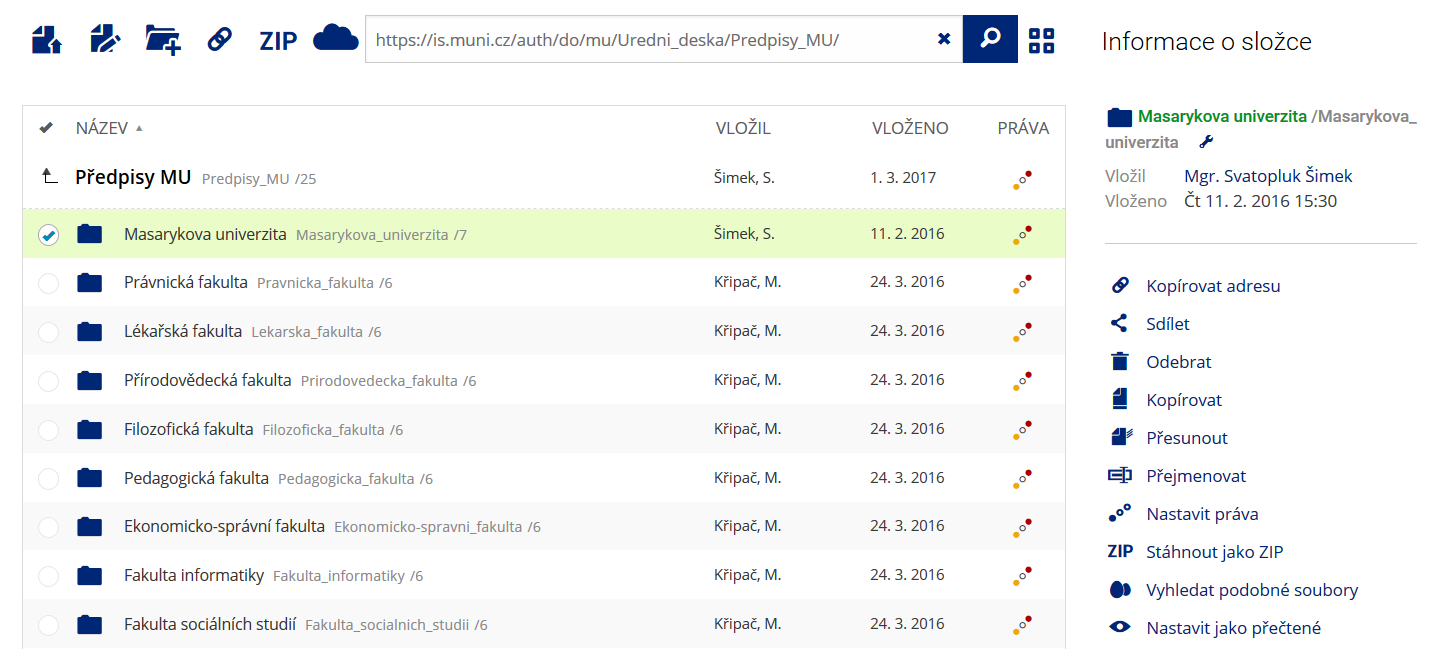 Pro častou práci je možné zvolit režim Více možností.
 -
Vyhledávání souborů
 Vyhledávaný výraz můžete zadat přímo do adresního řádku.
 -
Rychlý přístup k souborům
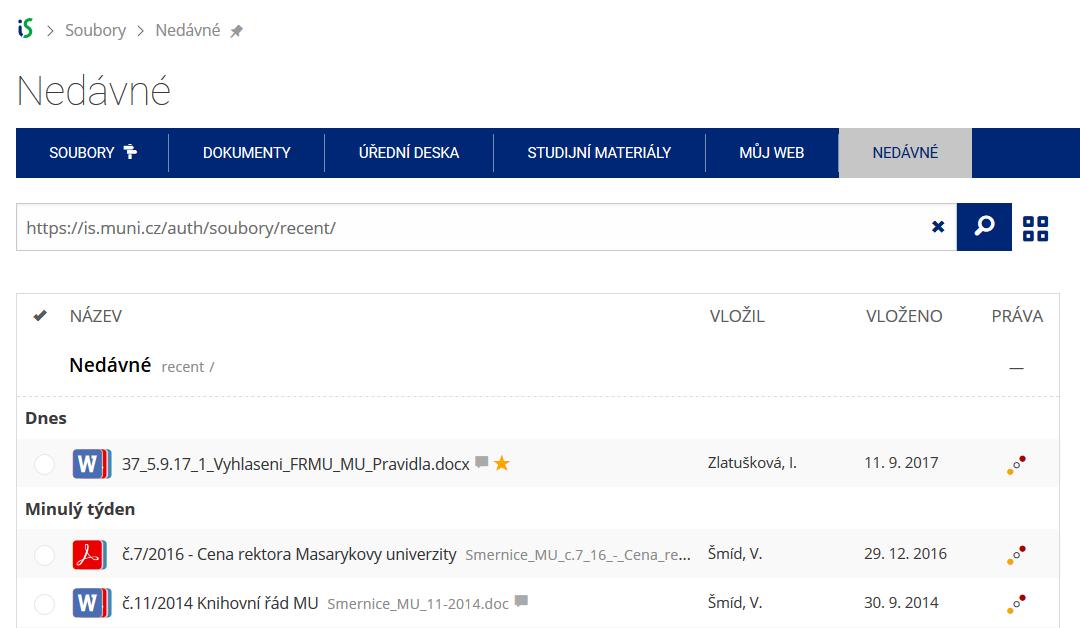 Pomocí funkce Nedávné je možné se rychle vrátit k právě prohlíženým souborům. Oblíbené soubory je také možné označit Hvězdičkou.