Závěrečná práce: Bc. Sergii Pylypenko: Cognitive Alerting for Performance Measures
Diplomová práce
Cognitive Alerting for Performance Measures
Bc. Sergii Pylypenko
Anotace
The goal of this thesis is to study set of typical approaches of anomaly detection, analyze the logs provided by GoodData s.r.o., which are the source for the detection, select an optimal anomaly detection approach and provide a software implementing it.
Abstract
Cílem této práce je prozkoumat seznam typických přístupů k detekci anomálií, zanalyzovat záznamy poskytnuté GoodData s.r.o., které jsou zdrojem pro odhalování anomálií, vybrat optimální přístup k detekci a poskytnout software, které bude provadet detekci.
Zadání práce
This thesis focuses on adaptive analysis of several performance monitoring metrics and alerting on changes of their values. Operators of monitoring systems typically suffer from difficulties in setting proper alerts, e.g. by defining a precise value of threshold and later updating it as metric values change.
The student will study existing approaches to monitoring and analytics and get acquainted with metrics used in systems in GoodData. Then he or she will propose a system that will adapt and raise only a limited number of alerts. So a model of metric value behavior should be incorporated. The model can be initially based on operator’s feedback based on his or her experience, but an automatic solution is preferred.
The result of this thesis will be a survey of existing approaches to analyze trends in metrics, description of the proposed algorithms and results of performance evaluation on data provided by GoodData. A software prototype of implemented algorithms will also be attached.
Práce zkontrolována:
27. 1. 2017 15:07, doc. RNDr. Vlastislav Dohnal, Ph.D., učo 2952
27. 1. 2017 15:07, doc. RNDr. Vlastislav Dohnal, Ph.D., učo 2952
- Zadáno/změněno 8. 2. 2017 17:17, Helena Kryštofová
- Záznam založen 29. 3. 2016 15:19, Jana Zemanová, učo 9619
- Zveřejnit od 4. 1. 2017 11:06, Alena Dvořáková
- Práce převzata 4. 1. 2017 11:06, Alena Dvořáková
Jazyk práce
 angličtina
Termín obhajoby
8. 2. 2017
Práce byla úspěšně obhájena
Konzultant
Mgr. Josef Pojsl
stud FSpS MU
stud FSpS MU
Studijní program
Informatika
Práce na příbuzné téma
Seznam prací, které mají shodná klíčová slova.
-
Hodnocení struktury akutní lůžkové péče v ČR v čase
Mgr. Lenka Kováčová -
Time Series Forecasting Using Machine Learning
Ing. Katarína Hertelová -
Predikční výkonnost jednorozměrných modelů pro výpočet ceny ropy
Ing. David Ferenz -
Predikce časových řad pomocí hlubokých neuronových sítí
Mgr. Matej Gallo, Ph.D. -
System for gap-filling of eddy-covariance data
Bc. Zdeněk Pazdera -
Analýza experimentov strojového učenia
Mgr. Katarína Nocarová -
Demand estimation using Machine Learning methods
Bc. Gabriela Moravčíková -
ILP and anomaly detection
Mgr. Václav Blahut
Název
Vložil
Vloženo
Práva
Složky
Soubory
Pylypenko, S.
4. 1. 2017
27. 1. 2017
-
Přidání souboru
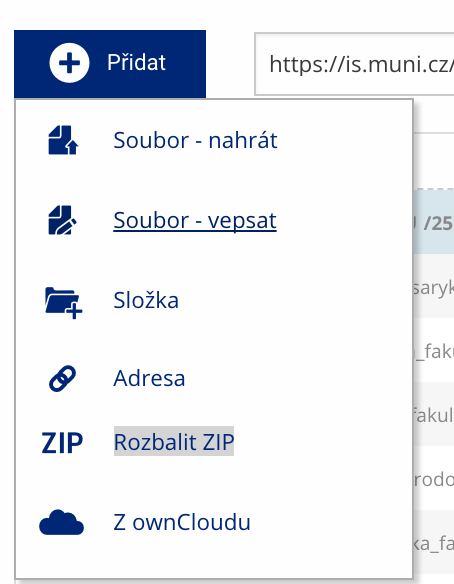 Soubor nebo složku lze nahrát pomocí tlačítka Přidat.
 -
Další operace se soubory
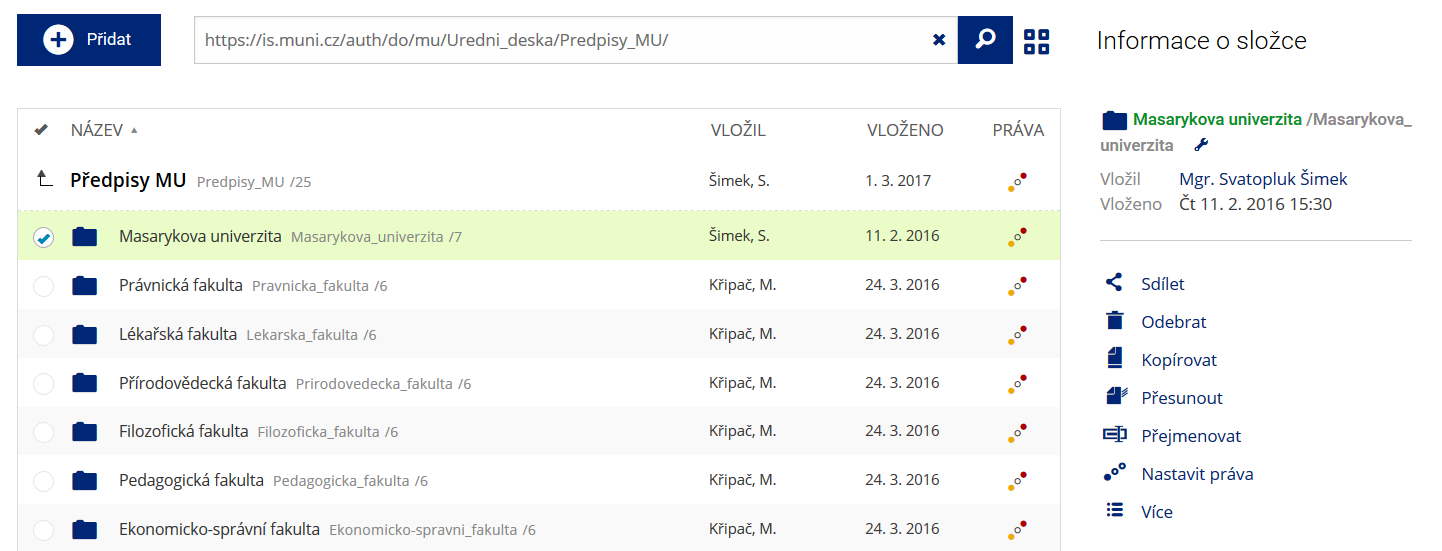 Podrobnosti lze zjistit označením příslušného řádku.
 -
Pohled pro experty
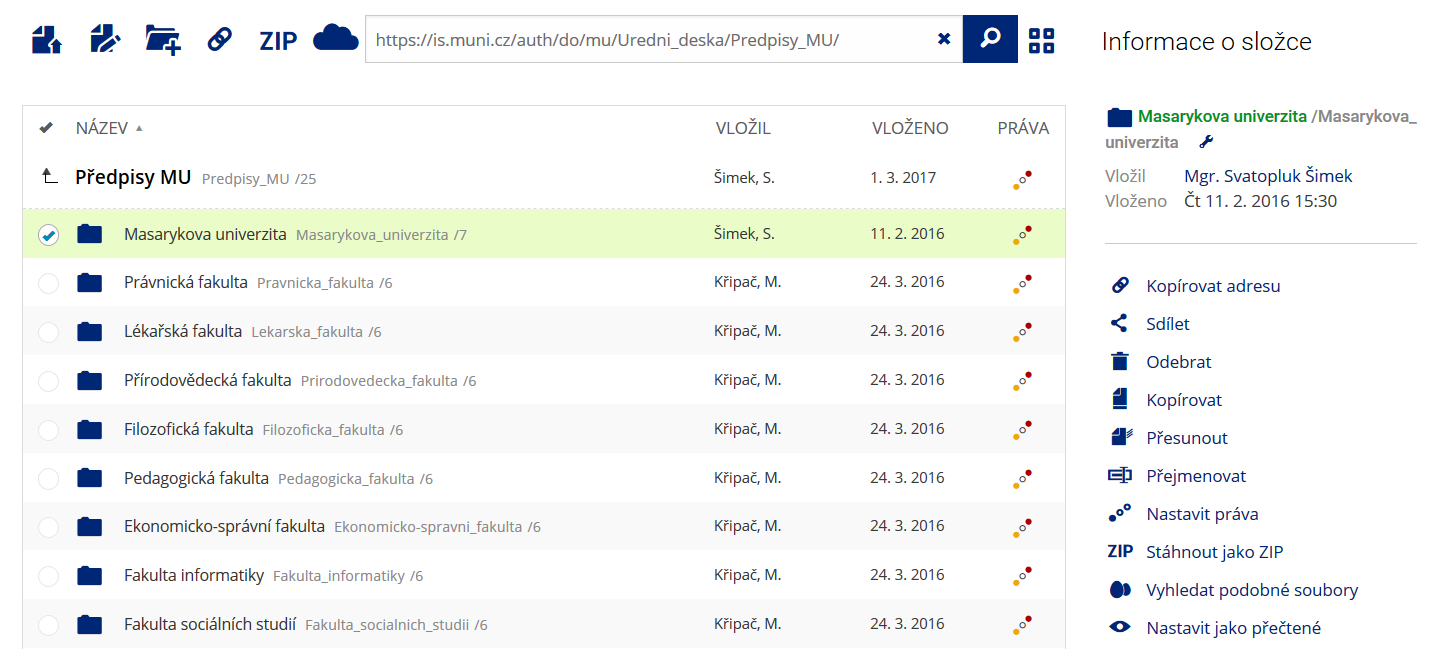 Pro častou práci je možné zvolit režim Více možností.
 -
Vyhledávání souborů
 Vyhledávaný výraz můžete zadat přímo do adresního řádku.
 -
Rychlý přístup k souborům
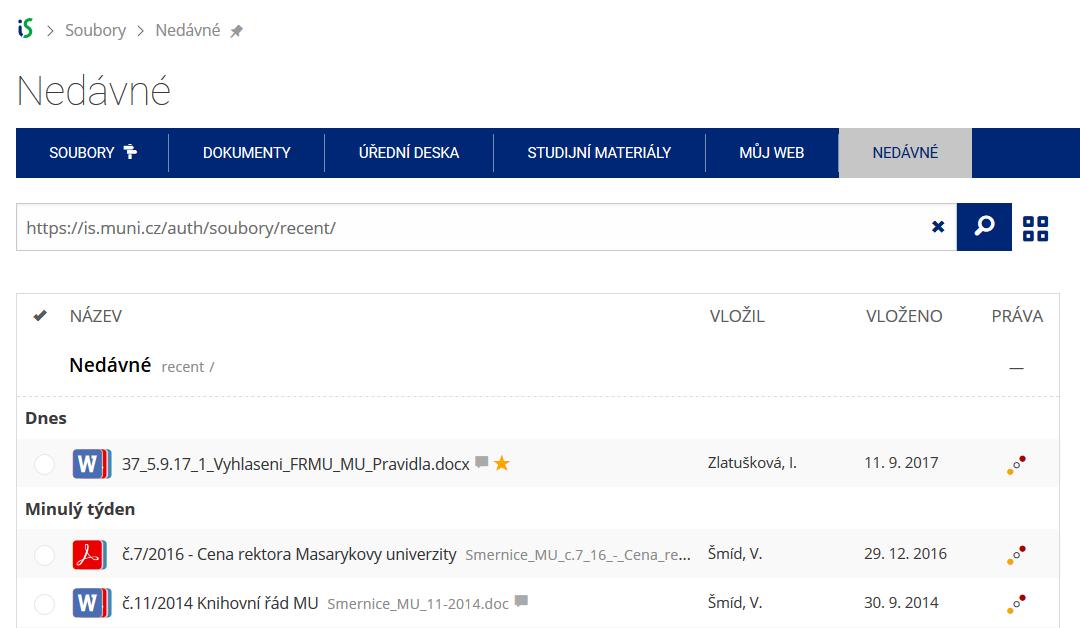 Pomocí funkce Nedávné je možné se rychle vrátit k právě prohlíženým souborům. Oblíbené soubory je také možné označit Hvězdičkou.